
No matter how tough it looks never give up. Together we are stronger.
Hasta la proxima,
-NUBE
"A Hopeless Dream Chaser"
No matter how tough it looks never give up. Together we are stronger.
Hasta la proxima,
-NUBE

Rough draft of Luffy standing back up in the cold.
Hasta la proxima,
-NUBE
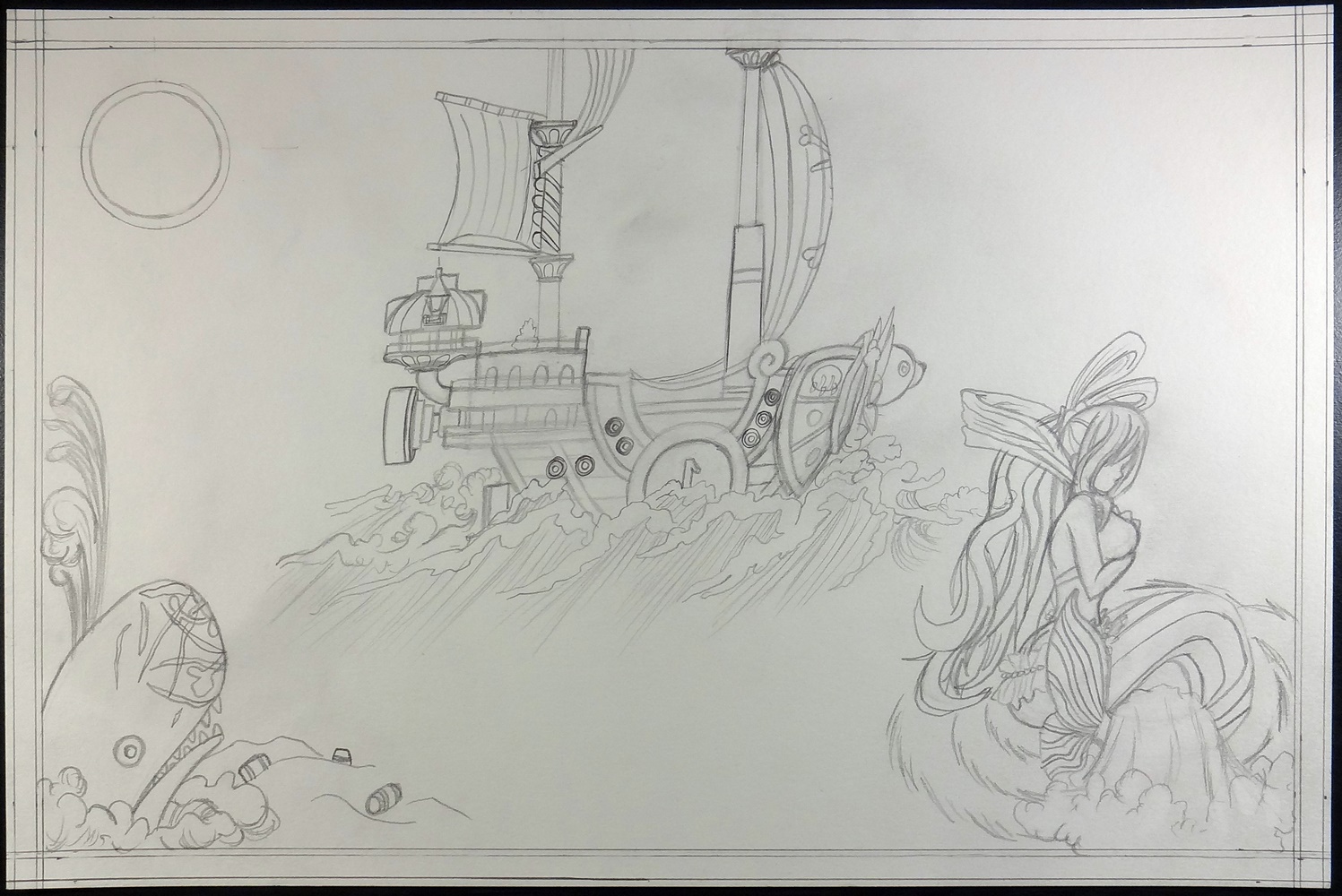
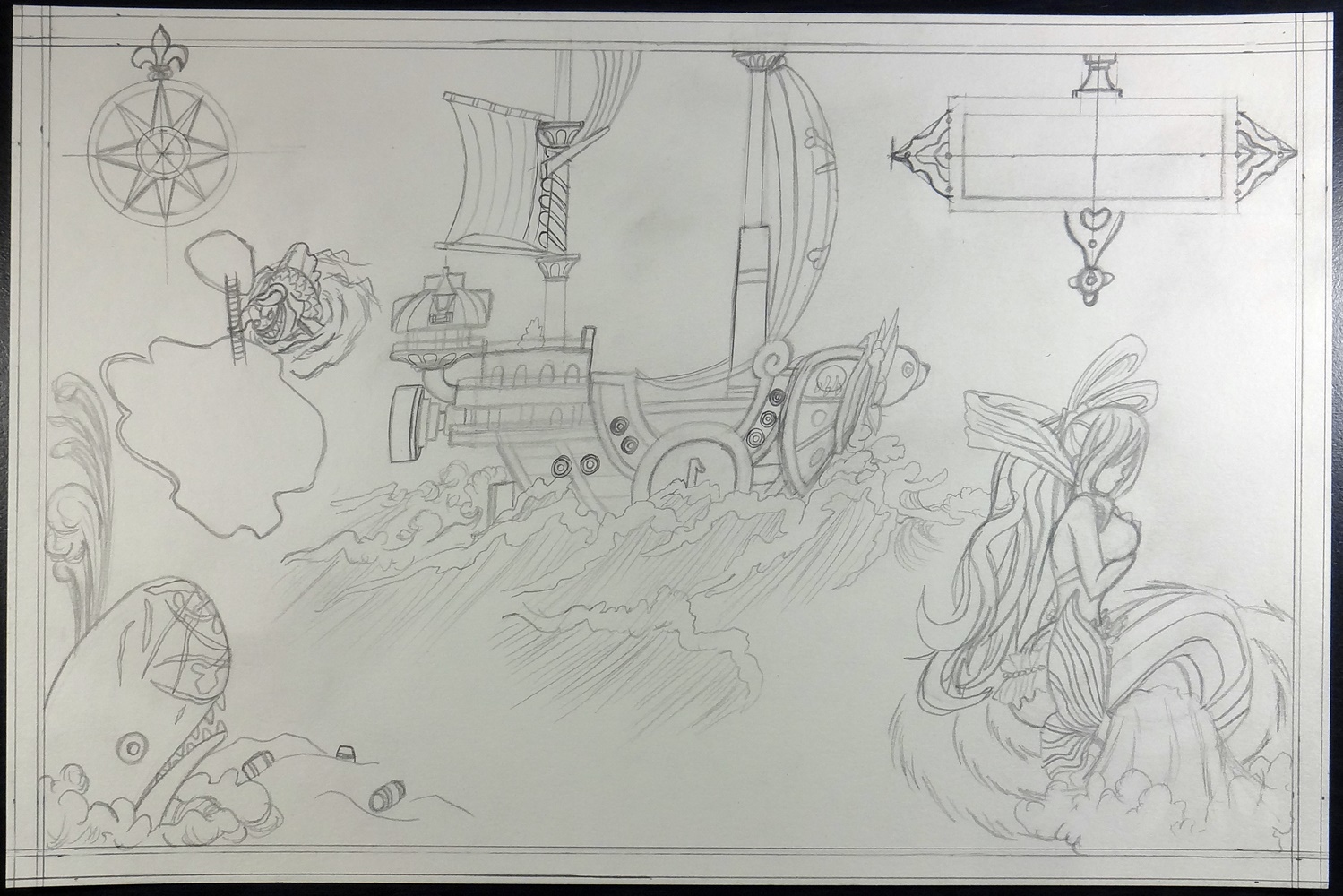
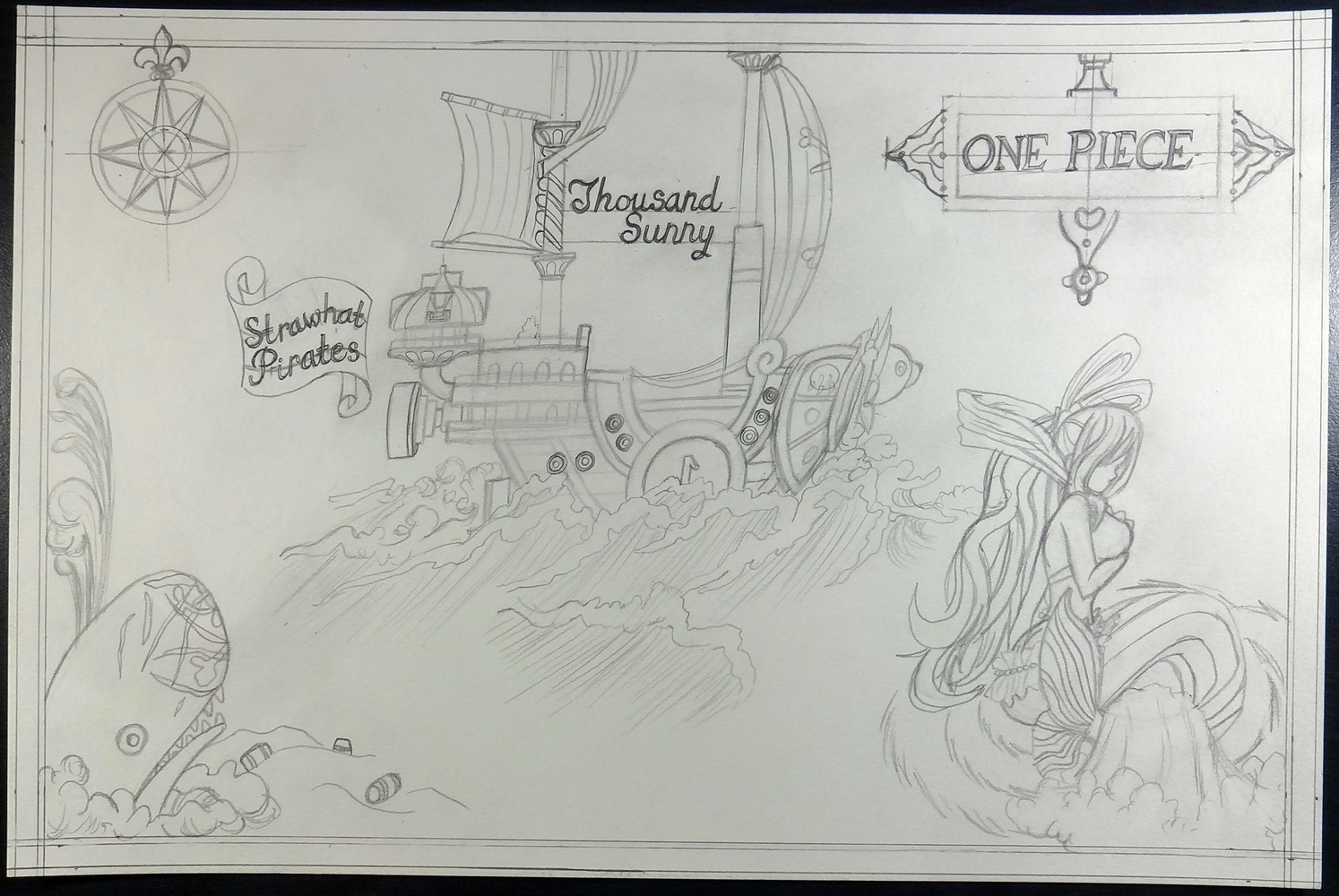
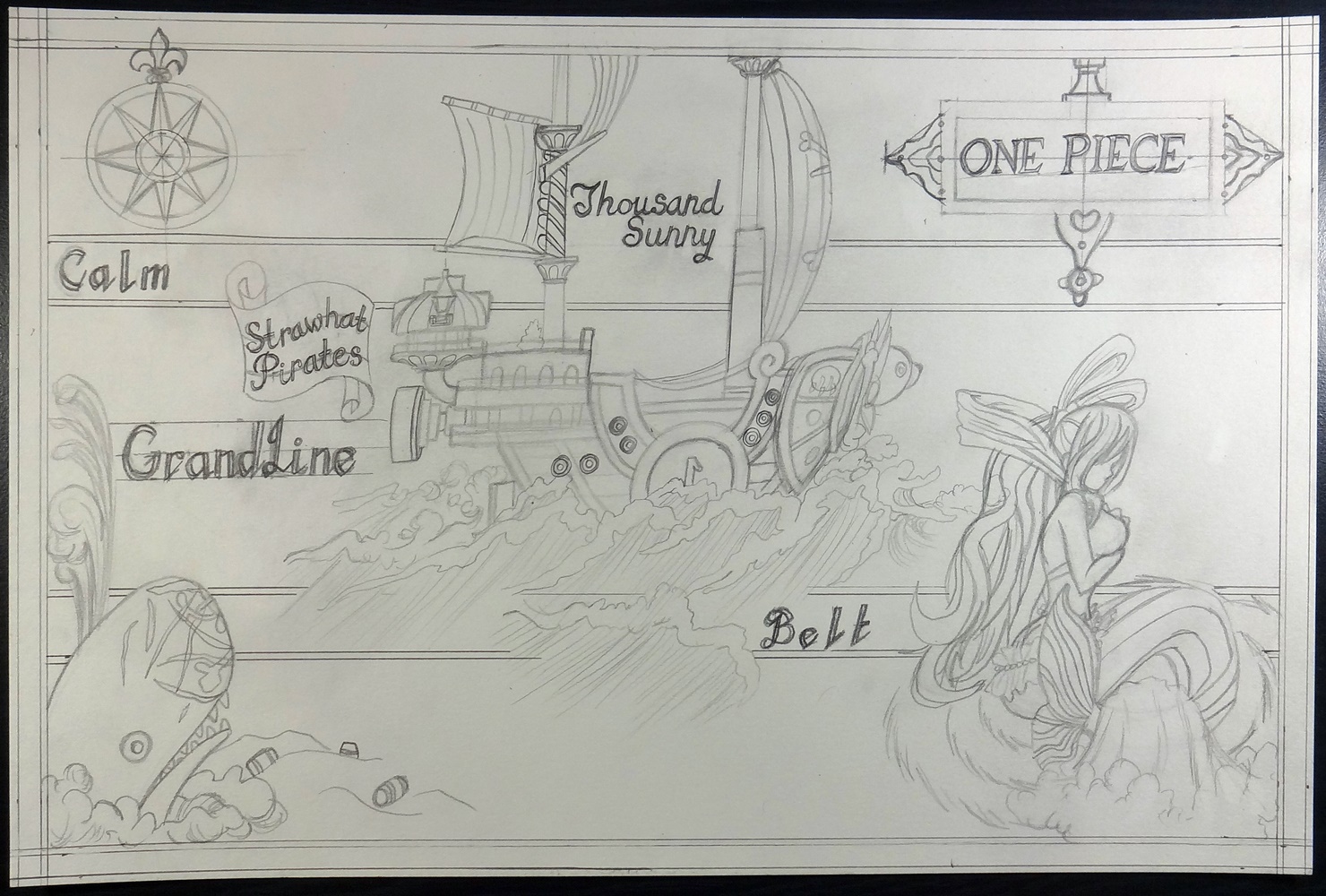
Back in 2015 I worked on a One Piece Map. And although I liked how it turned out, it was too big for me to scan it with my scanner. This led me to capture it with a camera. The problem was that I couldn’t get it quite squared and since it was buckling all over the place, it would still give me problems even if I did square it. At the time I wasn’t too good with Photoshop so I just did a quick fix, but it wasn’t that convincing.
Here is the new edited version:
https://www.flickr.com/photos/darkcloudxero/45050729932/in/dateposted-public/
I don’t know why, but I’ve always like the old map aesthetics.
Here are the original posts that contains the original process:
And here is the process of the new digital process:
https://www.flickr.com/photos/darkcloudxero/45099649821/in/dateposted-public/
https://www.flickr.com/photos/darkcloudxero/44188906005/in/dateposted-public/
I used the puppet transform to fix the buckling that didn’t allow the map to be stretched into the edges.
https://www.flickr.com/photos/darkcloudxero/45099649591/in/dateposted-public/
After doing that, I had to make sure the edges all had the same length. But this means that there is going to be empty areas which I have to fix.
https://www.flickr.com/photos/darkcloudxero/31226305868/in/dateposted-public/
I used the old gold background to fill in the empty spaces.
https://www.flickr.com/photos/darkcloudxero/45099649421/in/dateposted-public/
After that I fixed some mistakes where the ink ran out a bit too much, I believe when I gave it a coffee wash. After that I had to fix the edges so that they meshed well.
https://www.flickr.com/photos/darkcloudxero/44379542064/in/dateposted-public/
One thing that bugged me was the size and placement of the ONE PIECE text on the right corner. So I enlarged the ONE and then moved all the text a little to the right.
https://www.flickr.com/photos/darkcloudxero/30162002517/in/dateposted-public/
That left empty spaces and obvious seems so I had to fix that. First I duplicated the One Piece banner on the bottom layer.
https://www.flickr.com/photos/darkcloudxero/30162002467/in/dateposted-public/
Then I had to go over it with the brush tool to get rid of the seams.
https://www.flickr.com/photos/darkcloudxero/31226309108/in/dateposted-public/
And this is without the fixes.
https://www.flickr.com/photos/darkcloudxero/44188911995/in/dateposted-public/
And with.
https://www.flickr.com/photos/darkcloudxero/44188913615/in/dateposted-public/
And that’s that.
I have some new artwork I did this year, but I thought I would try and update some old artwork along the way now that I have a bit more skill in editing. Though to be fair, back in the day I wanted to do it all traditional so I guess I was apprehensive about editing things digitally.
In any case.
Hasta la proxima,
-NUBE

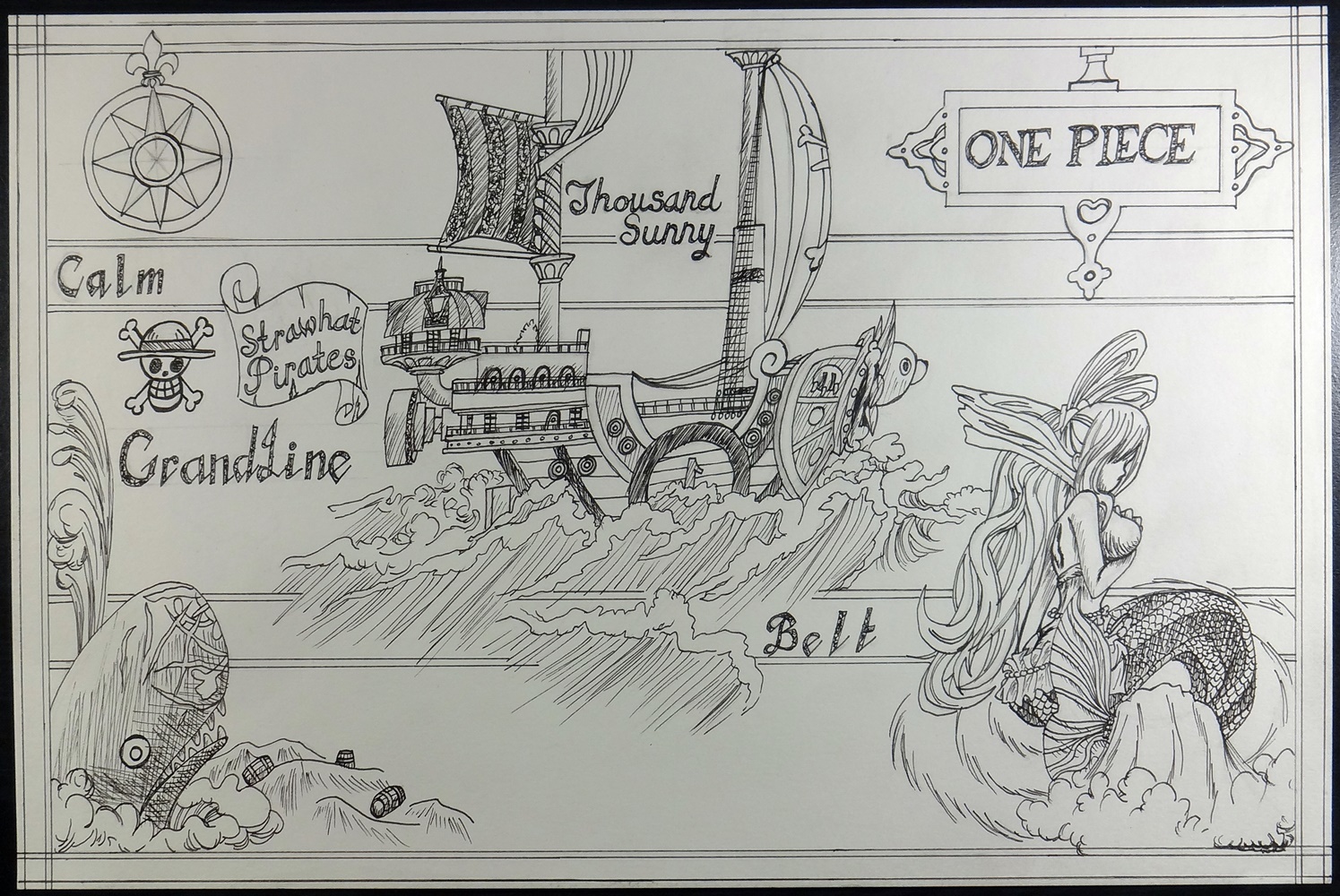
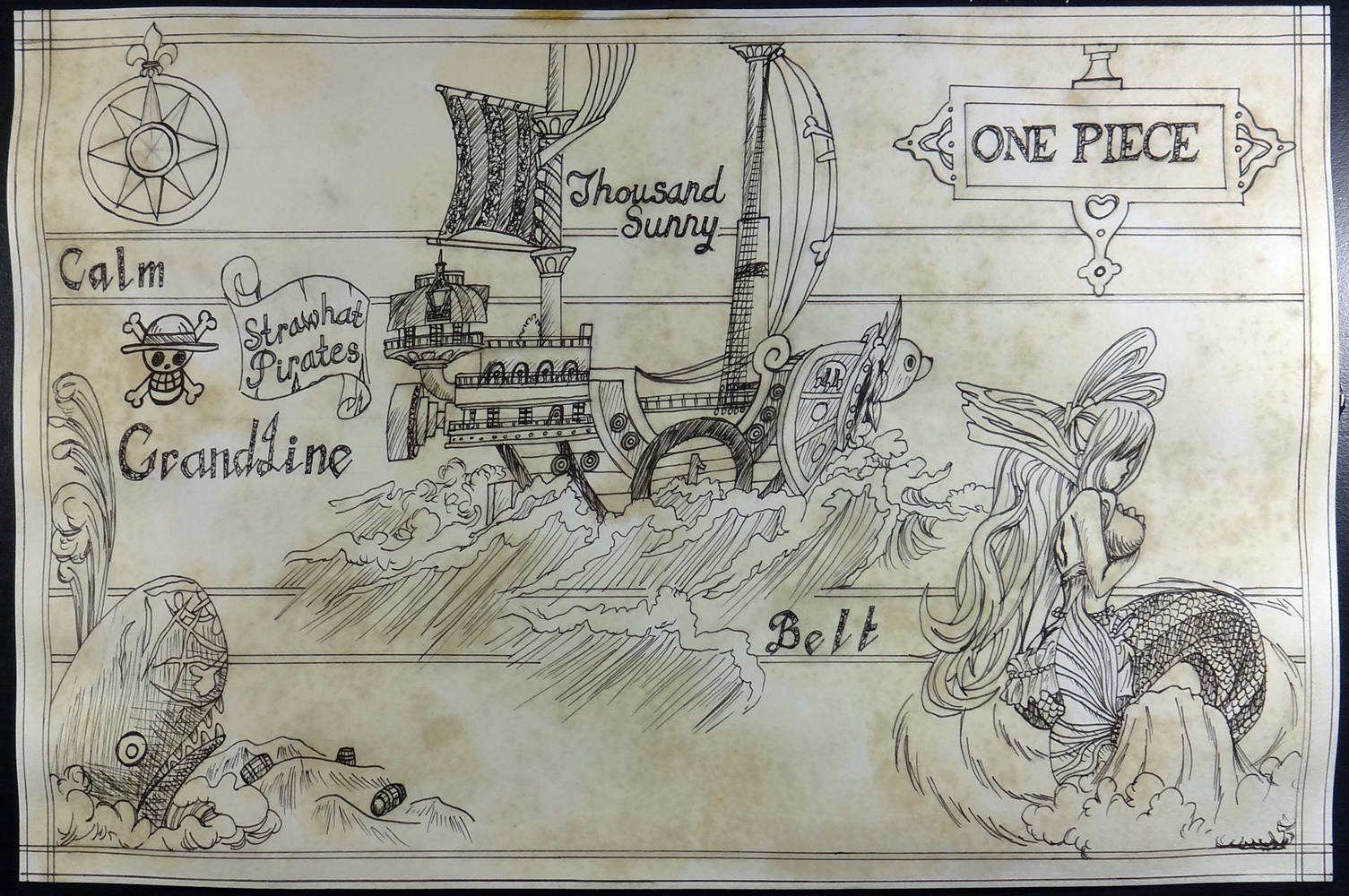
As promised here is an update on the new One Piece artwork. I’m almost done, I just need to add some more color to it. That shouldn’t be too hard, but I have to go carefully since I need to let the paper dry up before continuing to add each color. On the plus side, now the easiest parts are left.
The first step I have done first is do some line work with my new Copic Multiliners. The second step was adding some coffee to “age” the map before I add some watercolors to it, and finish it up with some more pen-work.
Here is what I have so far.
Hasta la proxima,
XERO
 Darkcloud Xero's Online Shop