
It, took longer than I expected…
I really thought I would have been able to finish this one quite easily, but in the end as usual it took quite some time to go about modifying areas over and over as I went along. Luckily that doesn’t surprise me anymore and can work on that as I go along. Color theory is still a bit of a pain, but I feel like I am getting the hang of it. The great thing about coloring digitally is that I can make as many mistakes as I want and I can always go back and fix it. On top of that I don’t have to redo my whole work either, I can just change the hue of the layer and modify it so that it fits with the overall picture.
This one was quite technical. Digital art isn’t as straightforward as traditional (although traditional is harder and requires quite a bit of thinking beforehand, in essence it requires a lot of skill and concentration). With that in mind I made sure to use every technique I have picked up so far using digital color to acquire a good image. It is still lacking compared to the pro digital artist, but I feel like I have gotten one step closer. This image had numerous layers that allowed me to get the feel and effects I was imagining.
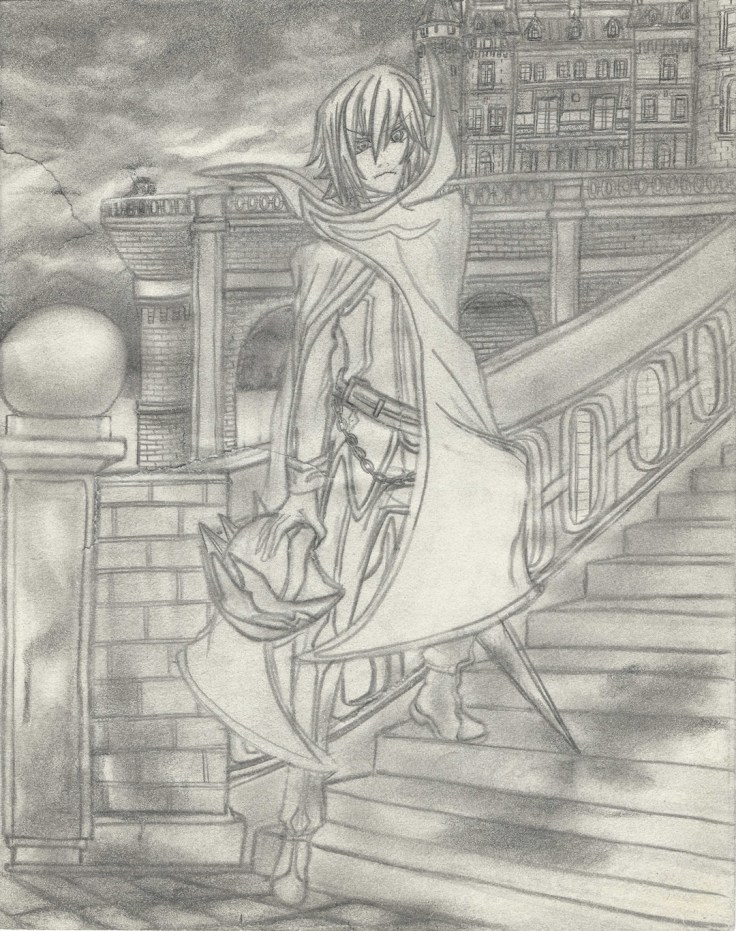
There is one revelation that became quite clear as I was working on this piece though, and it’s a really important one. Coloring pencil artwork might not be such a great idea. It’s quite tough when they actually have a background. Because there is only so much one can do to smooth things out and have as little areas that aren’t uniformly shaded, this create areas that are very… rough, uneven, grainy, etc. These defects get passed on to the digital artwork. And although I can probably use this to my advantage in some artwork, it won’t work for most of it. For this piece I spent quite a bit of time just trying to downplay the amount of grainyness from the pencil shading that gave it a “dirty” look when colored. This is quite disappointing…
Of course I have thought of other ways to use these same shadings to my advantage on some future projects, but as explained before, it won’t work with everything. It seems that this technique will work best with simple drawings with no background, but will work even better with using artwork that only focuses on the outlines for me to color in digitally.
Hmmm…. I do have one more drawing I wan’t to try coloring though, it is also done with pencil but this one is done on a much higher quality paper that I managed to pour all of my skills onto (well, at least at the time). So I wan’t to see just how big the difference is.
In any case I do want to finally show what I managed to make. Don’t know if I want to add it to the gallery though… What do you guys think? (for now here is the final piece, I’ll upload pictures showing the process tomorrow on this same post. It’s quite late right now and I really want to take a break and rest for a bit):
Here are some pictures of the process, will add the “whole” process later in video form (something new I want to try out):
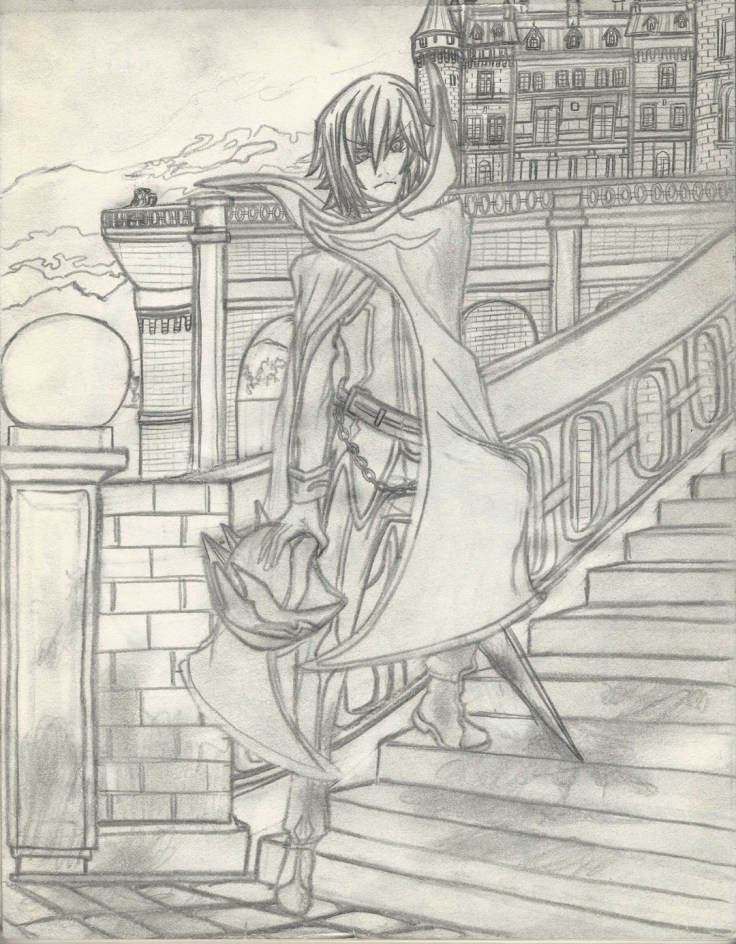
So from where we left off last time, here I went over it and shaded the drawing a bit closer to bring out more details. Doing that had some collateral damage though, now there are even more rips on the paper.
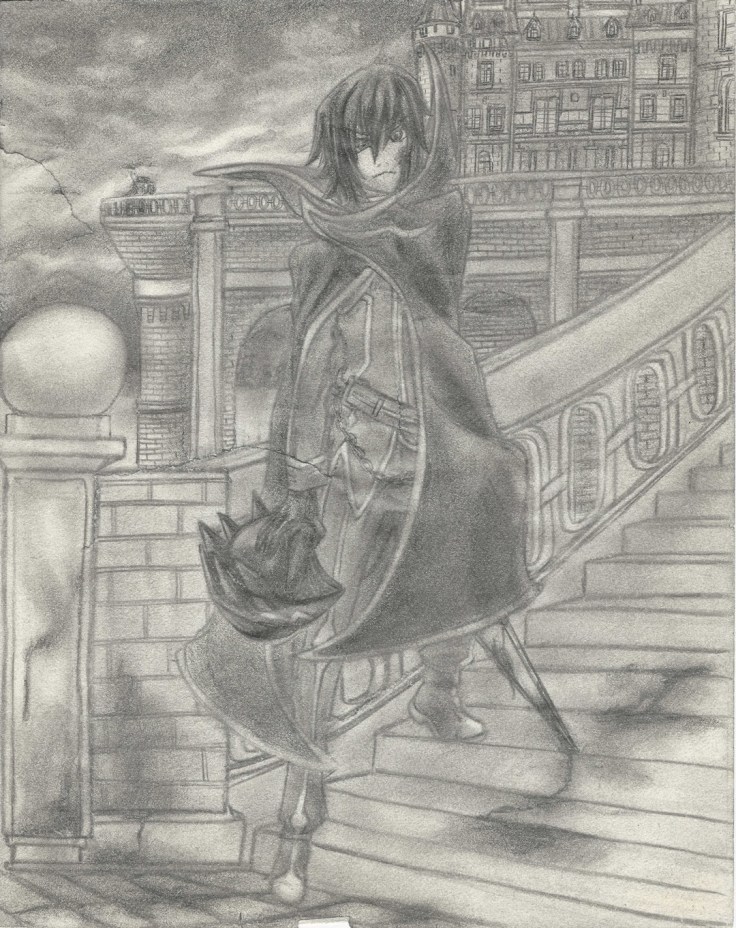
And as expected the longer I worked on it the worse the rips became, it was really annoying but luckily I have some experience dealing with rips.
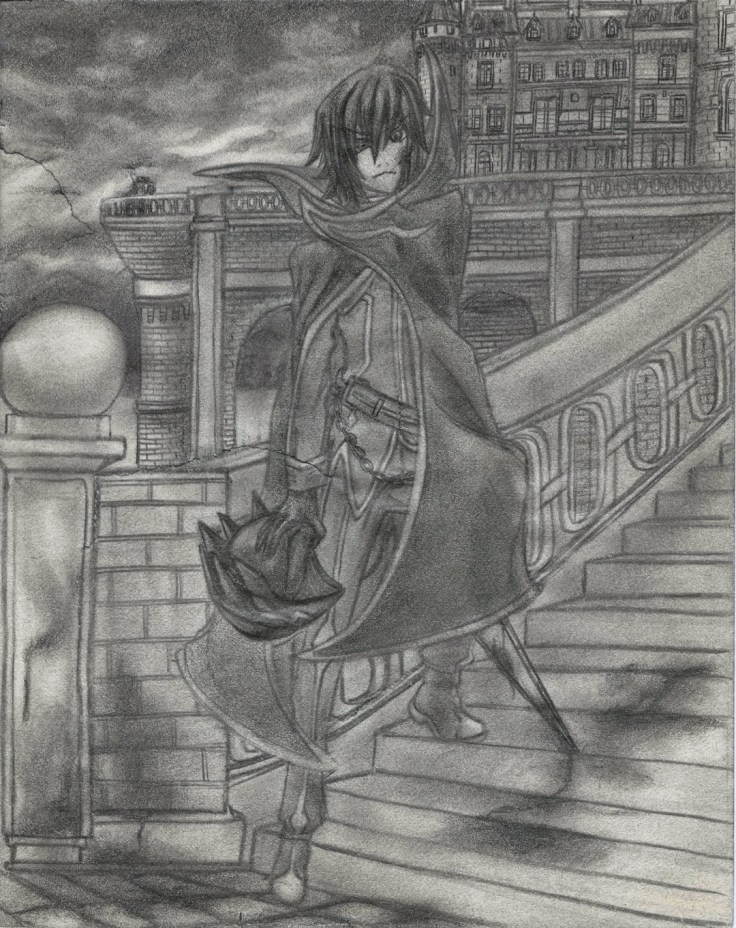
Rips fixed! I went ahead and started repairing it digitally using the clone tool which took me quite some time to understand… make sure to right click the area you want to clone as you hold the Alt button if you which to copy the right area instead of struggling to find out why the clone tool is painting something you don’t want. In the end I found that the best tool for the job was the healing brush tool since it blended in the area according to the surroundings. Of course it also had it’s quirks so you have to pay attention and do small areas as you go, but it’s quite easy to use and made repairing the rips quite easy.
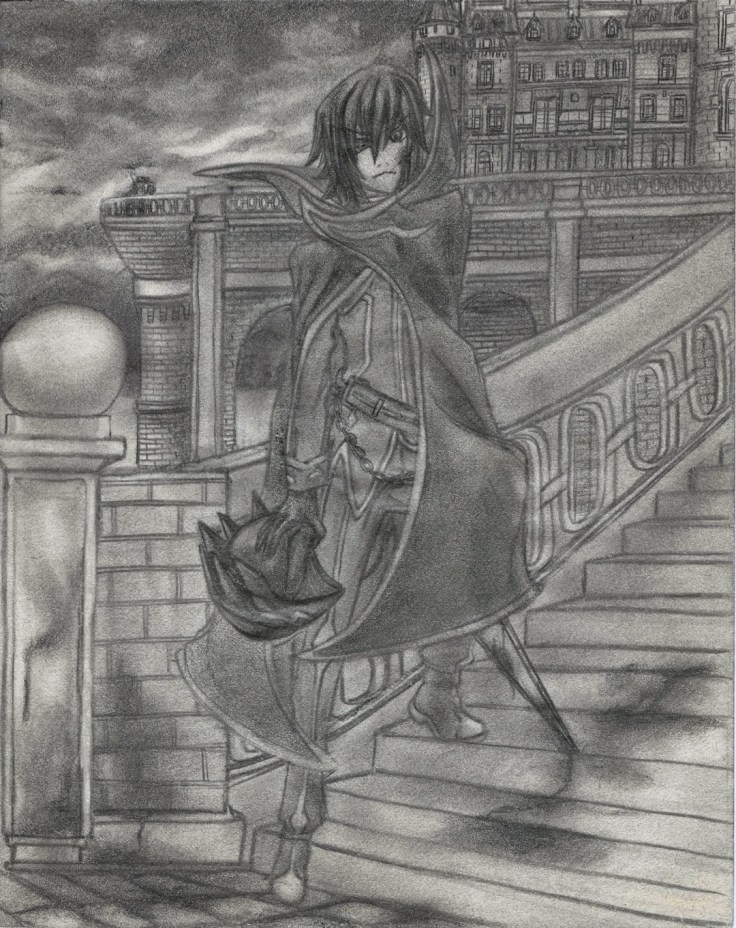
From here I just started to add color using the method mentioned on my other posts of Traditional X Digital.
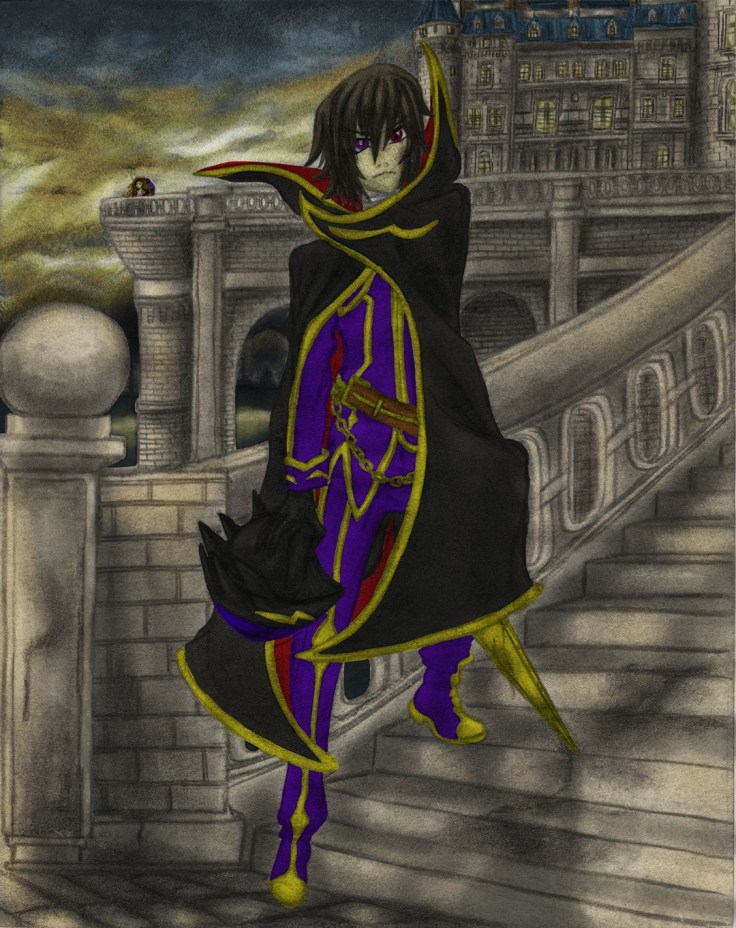
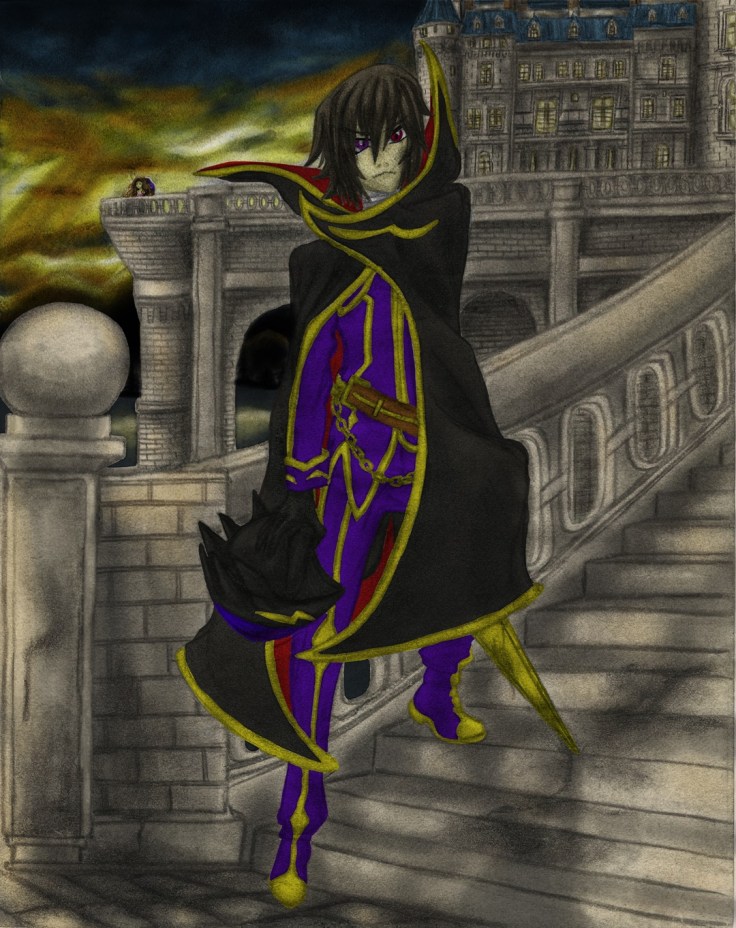
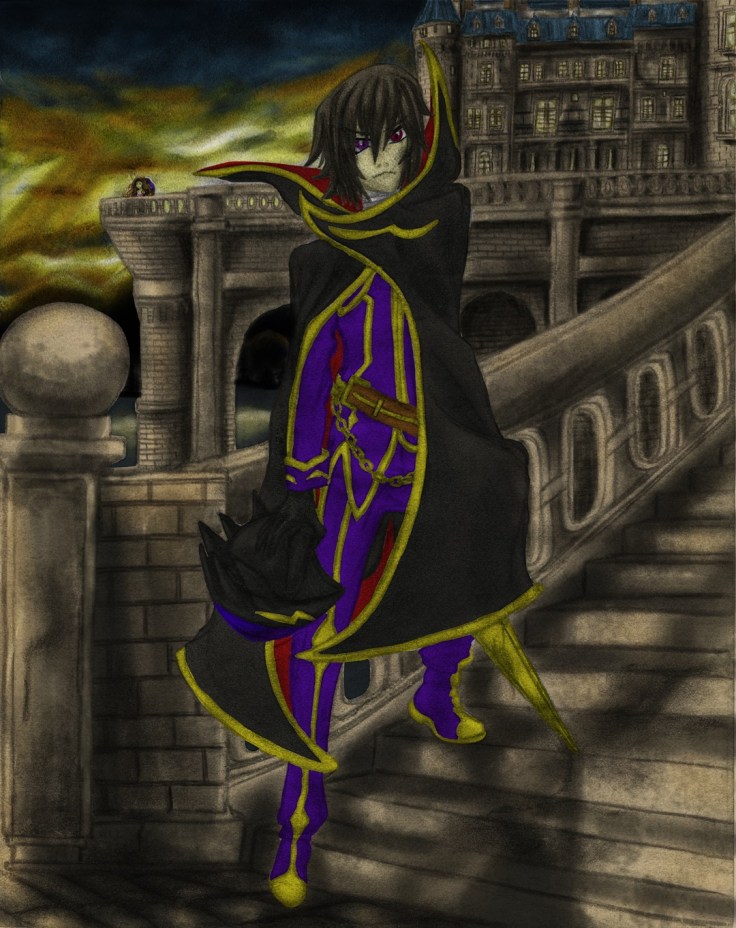
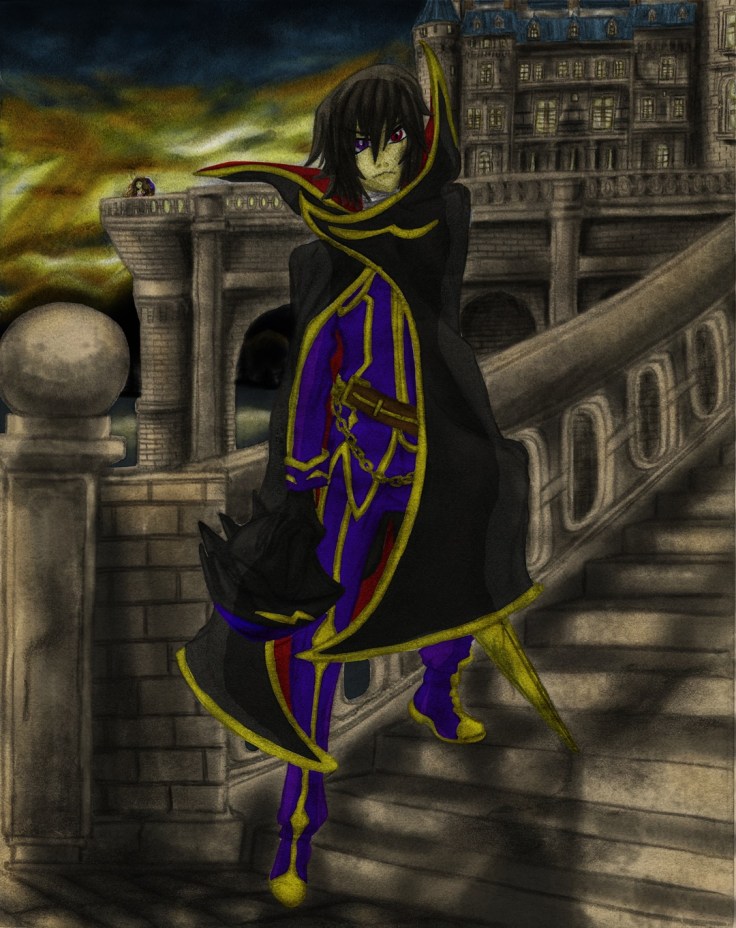

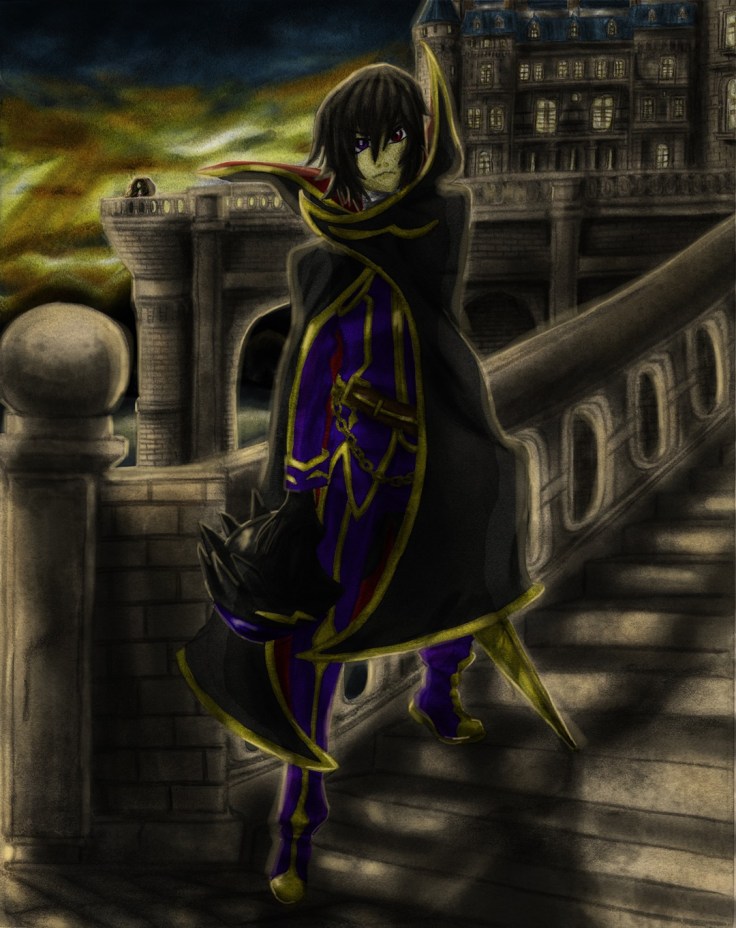
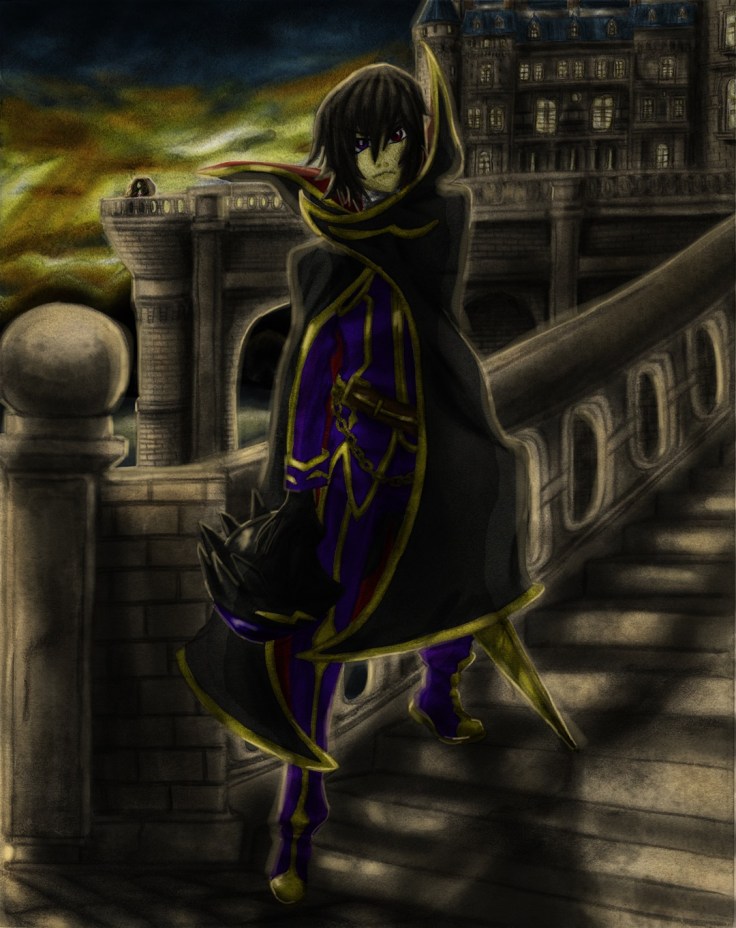
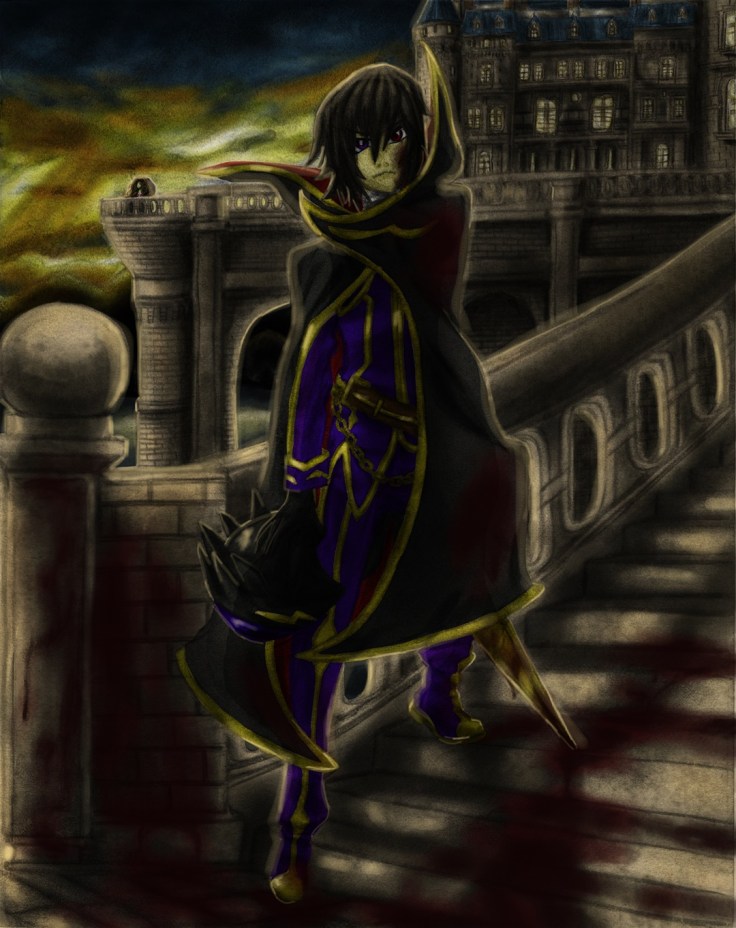
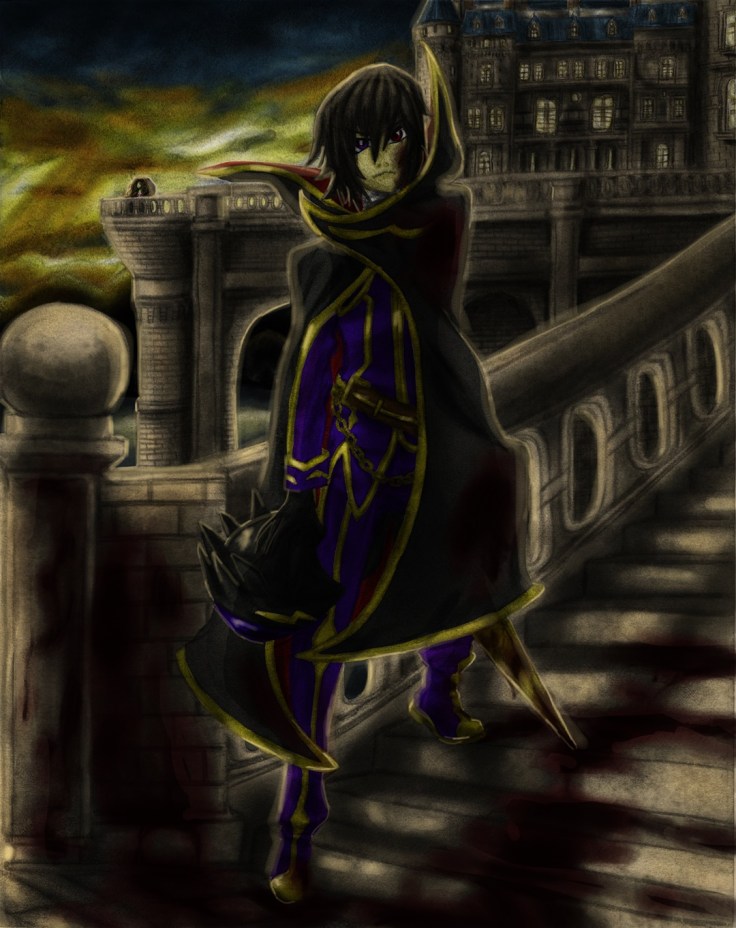

I did the best that I could digitally on this one. I have a ways to go, but I feel it look much better than it would have looked had I tried this even just a month ago. I’m no longer afraid of digital, I’ll make sure to understand it more as I continue to polish my skills in all areas!
That is all for now (Aside from adding that video I mentioned above).
Hasta la proxima,
-XERO

 Darkcloud Xero's Online Shop