Krita Test 3

Another test using Krita, this time with color again. There’s this blending brush that I downloaded that works really well. Just a shame I can’t do it all with just one brush. But I guess if I just add the brushes I use to my favorites it shouldn’t take that much longer than with Corel Painter. The current smeary brushes don’t quite act like I want though, plus it stutters when I paint in the usual large canvas of 9,000px.

Some brushes act like I would expect and others either don’t or lag at the size I need it. Luckily I can make my own brushes so it will take some time to adjust to my style.

Hasta la proxima,

-NUBE

Airi Fire Alpaca Test 26

Here is another test with Krita, this time in black and white. I chose Airi as the subject. I found more brushes that emulate what I prefer so I hope it works out better once i add in color.

Hasta la proxima,

-NUBE

Spring Garden of the Gods

I’m currently trying to learn how to use Krita. This painting was done with nothing but the default brushes. None of them worked like the one’s in Corel Painter so it felt a bit uncomfortable. Luckily, I recently found brushes that work with my style.

Hasta la proxima,

-NUBE

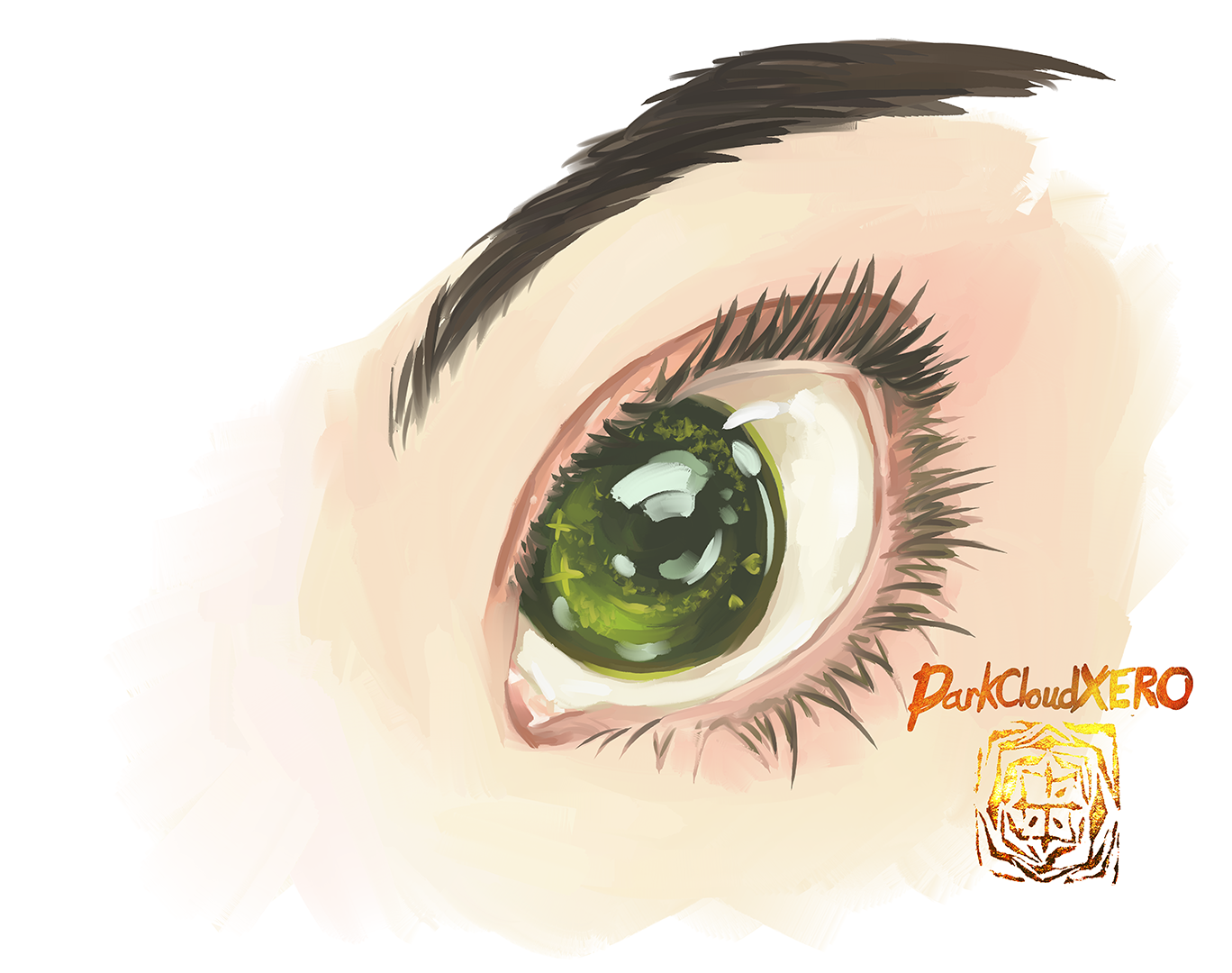
Eye Test

I seem to be a little burnt out so today is just a practice painting of an eye that I found online.

Hasta la proxima,

-NUBE.

Surface Pro 7 Paint test 01

This time it’s a quick paint test with the size of 9000 and 1200 dpi.

This worked flawlessly with no lag. I’m loving this upgrade.

Hasta la proxima,

-NUBE

Sayumi 2nd Microsoft Surface Pro 5

I’ve been wanting to paint Sayu in this outfit ever since it was uploaded. She kind of reminds me of a Team Rocket member.

This is the second Microsoft Surface Pro 5 painting. This time around working with the surface felt a lot smoother. The next test will consist of me working in portrait mode. I know it works since I tried to see what would happen if I tilted the whole screen, although it did make Corel crash… I’ll have to play with it a bit more.

Hasta la proxima,

-NUBE

Momoko Tsugunaga ink painting colorized

I recently saw a video of this other artist using photoshop’s color balance ability to change the color of a black and white painting. So I wanted to try it out. I’ve been craving to do another Momoko art piece so I used this chance to do so. I first painted Momoko using ink and my brushes. When I was content with the final painting I then went ahead and tried out this method. It definitely works, although maybe my painting wasn’t defined as well since some sections were too light and I had to add some more layers to get the right values. Overall I’m quite impressed, although I much prefer to just paint in colors right from the start so I can learn the process better for when I make future paintings later on. But at least now I know new technique just in case.

You can see both versions if you click on either pixiv or twitter.

Hasta la proxima,

-NUBE

Create a website or blog at WordPress.com

Up ↑